
Best AI Tools for Personal Finance: A Safe Selection Guide
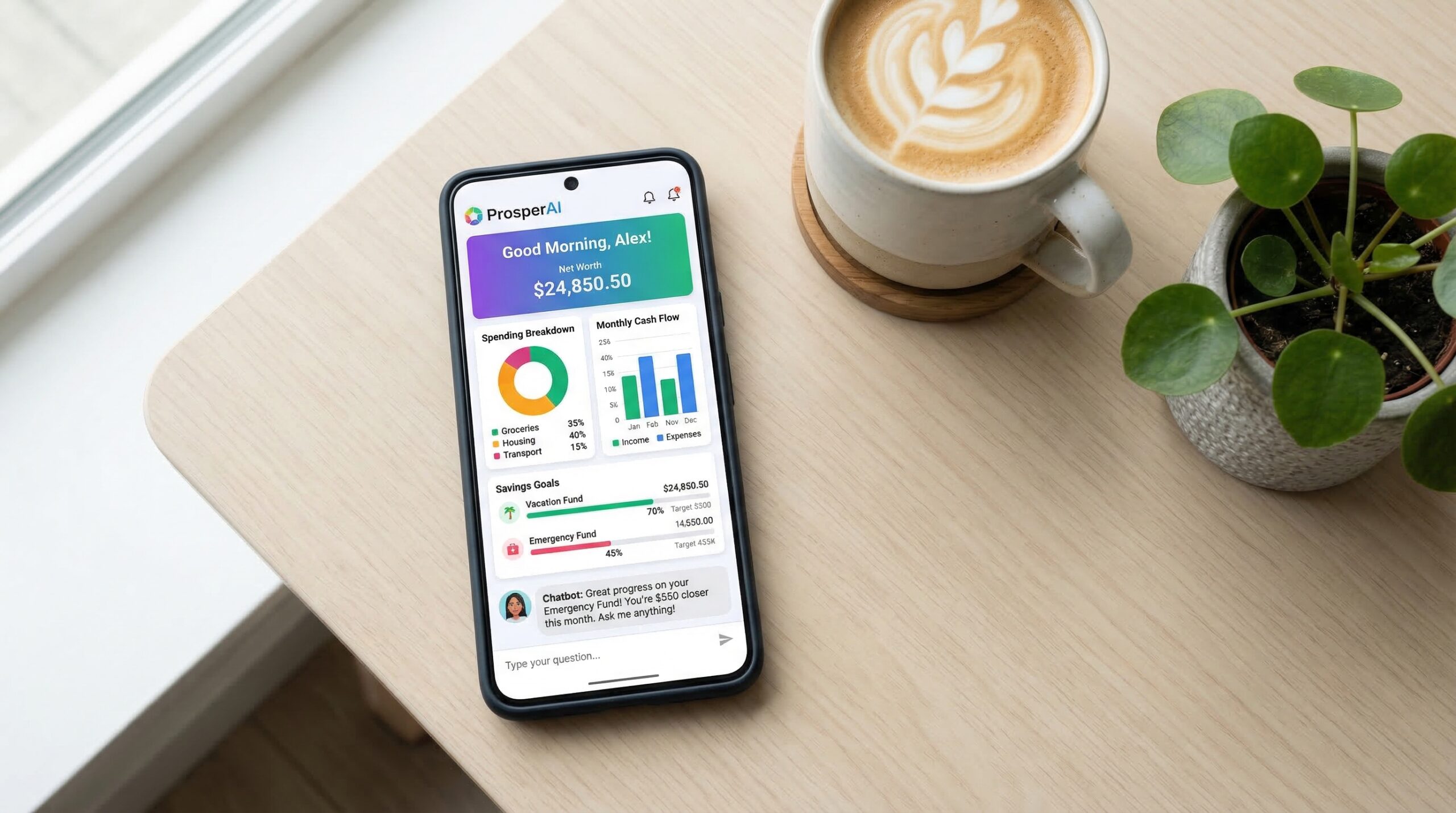
The best AI tool for personal finance is the one that solves one defined task without collecting more data or gaining more control than it needs. AI can help categorize transactions, flag recurring charges, forecast a cash balance, or summarize a budget. It can also misclassify spending, expose sensitive data, charge fees that outweigh the benefit, or give unsuitable investment guidance.
Content label: Educational app-selection guide. Updated August 10, 2026. This article does not provide personalized financial, investment, tax, or legal advice. Realaiva did not connect bank accounts, transfer money, or test the commercial apps previously listed, so this rewrite does not rank or endorse them.
Best AI tools for personal finance: choose by job
| Your job | Useful capability | Evidence to request | Main risk |
|---|---|---|---|
| Understand spending | Transaction import, categories, corrections, rules | Supported institutions and exportable history | Wrong categories or missing accounts |
| Plan cash flow | Recurring-income and bill forecast | Forecast window, assumptions, and error handling | Overdraft caused by an inaccurate forecast |
| Find subscriptions | Recurring-charge detection and cancellation workflow | Fee, cancellation authority, and refund terms | A legitimate service is cancelled or savings are overstated |
| Automate saving | Rules or transfers tied to account conditions | Transfer limits, pause control, and shortfall protection | Unexpected transfer or insufficient funds |
| Coordinate a household | Shared plan, permissions, and audit history | Role controls and privacy boundaries | Exposing one person’s sensitive data |
| Receive investment help | Automated advice or portfolio management | Registration, Form ADV, fees, conflicts, and custody | Loss, unsuitable allocation, or high relative fees |
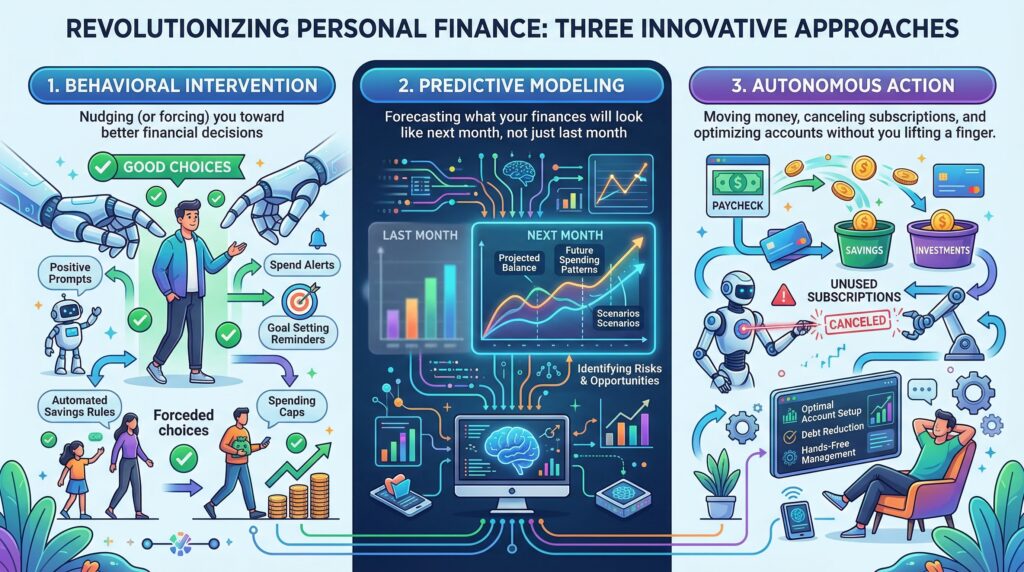
Start with one job. A product that does budgeting, lending, investing, insurance, and bill negotiation may be convenient, but each additional function can create new permissions, fees, conflicts, and failure modes.
A 10-point personal finance app evaluation
1. Define success in measurable terms
Write a specific result before comparing tools: reconcile all transactions weekly, identify recurring charges, avoid a projected shortfall, or maintain a shared household plan. “Build wealth” is too broad to test and makes exaggerated marketing harder to detect.
2. Identify the legal company and product
Find the company name, jurisdiction, terms, support process, and whether the product is a budgeting app, bank, broker, investment adviser, lender, or an interface working with another institution. The logo on an app does not tell you which entity holds money or provides a regulated service.
3. Map every data permission
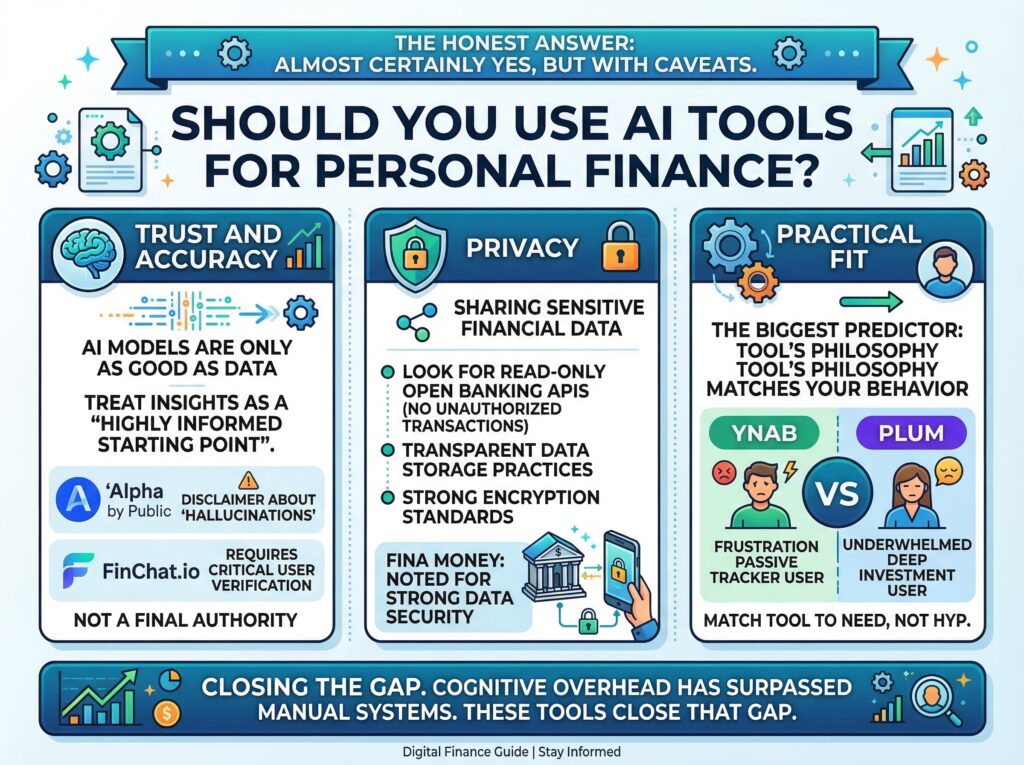
The CFPB notes that financial-data sharing means giving a company permission to access and analyze information from accounts such as banks and credit cards. Check which accounts and fields the app reads, how often it refreshes, why it uses the data, whether it sells or shares data, how long it keeps records, and how to revoke access and request deletion.
4. Separate read access from action authority
Do not assume an account connection is read-only. Determine whether the app can initiate transfers, cancel services, trade investments, or change an account. Prefer the minimum permission required. Enable multifactor authentication and review connected-app access regularly.
5. Verify where money is held
If a nonbank app displays a cash balance, identify the bank or other institution that actually holds the funds and read the account agreement. The FDIC explains that deposit insurance applies to deposits at insured banks, not to a fintech company merely because it partners with a bank. Coverage can depend on account structure and recordkeeping; use the FDIC’s official resources for your situation.
6. Calculate the full annual cost
Add subscription fees, percentage fees, bill-negotiation shares, late or overdraft charges, transfer fees, spreads, and the value of any trial that later renews. A small monthly investment-advice fee can be a large percentage of a small account. Investor.gov gives the example that a $3 monthly advisory subscription is more than 7% a year on a $500 balance.
7. Test accuracy against a manual sample
Compare at least one month of imported transactions with original statements. Check duplicates, refunds, transfers, cash withdrawals, split purchases, currencies, pending items, and recurring-charge detection. Correct mistakes and see whether the product learns a rule or repeats the error.
8. Examine forecast assumptions
A cash-flow forecast should show the starting balance, expected income, known bills, variable-spending assumption, date range, and confidence or uncertainty. Treat the forecast as a planning estimate—not permission to spend. Keep a buffer for timing changes and unexpected expenses.
9. Verify investment registration and conflicts
Apps that provide investment advice may be robo-advisers, while apps that execute securities transactions may be brokers. Investor.gov says these businesses typically register with the SEC or other relevant authorities. Check the official IAPD or BrokerCheck records, fees, disciplinary history, custody, conflicts, investment approach, and account protections. Automation does not remove investment risk.
10. Plan the exit before connecting
Confirm how to export transactions and categories, cancel the subscription, revoke account access, stop transfers, transfer investments, withdraw cash, and request deletion. A useful tool should not trap the only copy of your financial history.
A 30-minute privacy and safety audit
- List every financial account already connected to a third-party service.
- Remove connections you no longer use from both the app and the financial institution.
- Review permissions, privacy settings, data sharing, retention, and deletion choices.
- Enable multifactor authentication and unique passwords; secure the email account used for recovery.
- Turn on transaction, transfer, login, and profile-change alerts where available.
- Download a copy of important budgets, categories, and reports.
- Confirm the institution holding any cash and the basis for any deposit-insurance claim.
- Record renewal dates and the full annual cost of every finance subscription.
A simple four-week trial method
Use a new app in the lowest-permission mode available before enabling automation.
| Week | Test | Evidence to record |
|---|---|---|
| 1 | Connect or import the minimum data | Permissions, missing accounts, duplicates, setup time |
| 2 | Correct categories and recurring items | Error count and whether corrections persist |
| 3 | Compare forecast with actual cash flow | Largest error and its cause |
| 4 | Review value, privacy, and total cost | Time saved, errors caught, annual fee, data exposure |
At the end, keep the tool only if the measurable value exceeds the cost and risk. Turn on transfers, cancellations, or investment actions only after you understand the control and can reverse it safely.
Two free prompts for personal finance organization
Use invented or redacted figures when possible. Do not paste account numbers, credentials, government identifiers, or complete bank statements into a general AI service.
Prompt 1: cash-flow scenario
Using only the redacted monthly figures below, create a cash-flow table with starting cash, expected income, fixed bills, variable-spending assumption, planned savings, ending cash, and a separate uncertainty buffer. Show every calculation. Do not recommend an investment, loan, or account. List missing information instead of guessing.
Prompt 2: finance app permission audit
Review the app permissions, privacy-policy excerpt, fee schedule, and cancellation terms below. Create a table with: data collected, action allowed, stated purpose, third-party sharing, retention or deletion rule, fee, risk, and question to ask. Mark anything not stated as “unknown.” Do not assume the app is safe because it uses encryption or partners with a bank.
Red flags
- Guaranteed savings, returns, credit improvement, or debt elimination.
- A request for a bank password outside the institution’s normal authorization flow, or pressure to share a one-time security code.
- No clear company identity, privacy policy, fee schedule, cancellation process, or data-deletion method.
- An FDIC logo or “insured” claim that does not identify the insured bank and account structure.
- Investment advice from an entity whose registration cannot be verified.
- A free trial that requires broad permissions or renews at a price that is difficult to find.
Methodology and limitations
Realaiva reviewed official CFPB, FDIC, FTC, and Investor.gov consumer material. We organized the guidance into a goal, permission, custody, cost, accuracy, and exit framework. We did not conduct hands-on testing or verify current commercial pricing, ratings, savings claims, interest rates, or product availability. Those claims were removed rather than repeated without evidence.
Frequently asked questions
Are personal finance apps safe?
No app is risk-free. Safety depends on the company, permissions, data practices, account controls, authentication, and how the user configures it. Grant the least access necessary and review it regularly.
Does a fintech app’s bank partnership mean my money is FDIC-insured?
Not automatically. The FDIC insures deposits at insured banks. For money accessed through a nonbank app, coverage can depend on where funds are held, account structure, and records. Verify the bank and terms using official FDIC resources.
Can AI create a reliable personal budget?
It can organize supplied figures and generate scenarios, but the result is only as reliable as the inputs and assumptions. Check categories, timing, irregular expenses, and every calculation.
Should a budgeting app make transfers automatically?
Only after you understand the rule, limits, shortfall protection, alerts, pause control, and reversal process. Start with recommendations or low-risk testing before granting action authority.
Sources and update note
This guide was rewritten and fact-checked on August 10, 2026 using the CFPB’s guide to sharing financial data, the FDIC’s consumer guide to banking with third-party apps, Investor.gov’s overview of saving and investing apps, and its bulletin on subscription-based advisory fees. Verify later policy and product changes directly.
Conclusion
A useful AI finance app should solve a defined problem, explain its assumptions, request minimal access, show its full cost, let you verify its work, and provide a clean exit. Start with organization and insight; add automation only after the tool proves accurate and the controls are clear.
Download the AI Ad Poster Prompt Pack
Want a faster way to create ad-poster concepts with AI? Get the prompt pack, adapt the instructions to your product or campaign, and review every generated claim, image, and brand detail before publishing.
About The Author








1 thought on “Best AI Tools for Personal Finance: A Safe Selection Guide”