
AI Expense Tracking Tools: Privacy, Accuracy and Cost Guide
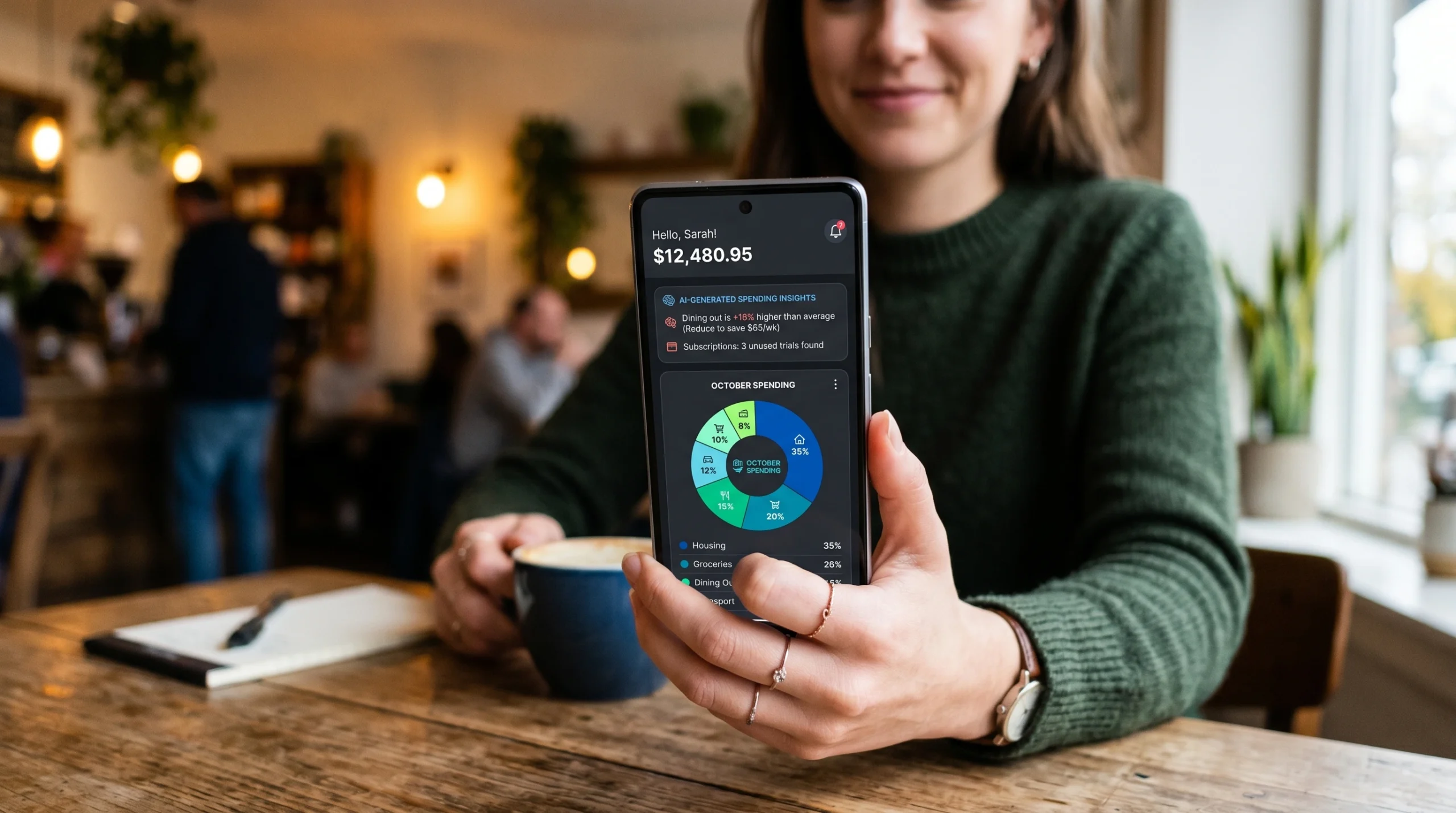
A sleek smartphone screen displaying an AI-powered expense tracking dashboard with colorful spending charts.
AI expense tracking tools can reduce manual categorization, but they do not automatically save money. Their value depends on transaction accuracy, the accounts and countries supported, the permissions granted, subscription and service fees, data practices, and whether the user actually reviews and acts on the information.
Content label: Educational evaluation guide. Updated August 10, 2026. This article does not provide personalized financial, investment, tax, or legal advice. Realaiva did not connect bank accounts or conduct a controlled comparison of the commercial products previously listed, so this rewrite does not rank or endorse them.
AI expense tracking tools: what they actually do
| Capability | Possible benefit | Common failure | Human check |
|---|---|---|---|
| Transaction categorization | Reduces repetitive sorting | Transfers, refunds, and split purchases are mislabeled | Reconcile with the original statement |
| Recurring-charge detection | Surfaces subscriptions and regular bills | A variable bill is missed or a legitimate service is flagged | Confirm merchant, amount, and contract |
| Cash-flow forecast | Shows possible upcoming shortfalls | Irregular income or annual expenses are omitted | Review assumptions and keep a buffer |
| Spending alerts | Provides an earlier warning | Delayed data creates a late or false alert | Check the live account balance |
| Receipt extraction | Speeds business-expense entry | Tax, currency, merchant, or total is read incorrectly | Keep the receipt and verify each field |
| Automated action | Can cancel a service or initiate a transfer | Wrong action, insufficient funds, or difficult reversal | Require approval until reliability is established |
A useful expense tool creates a reviewable record. It should not hide corrections behind an unexplained “AI insight,” and its forecast should not be treated as a guarantee that money will be available.
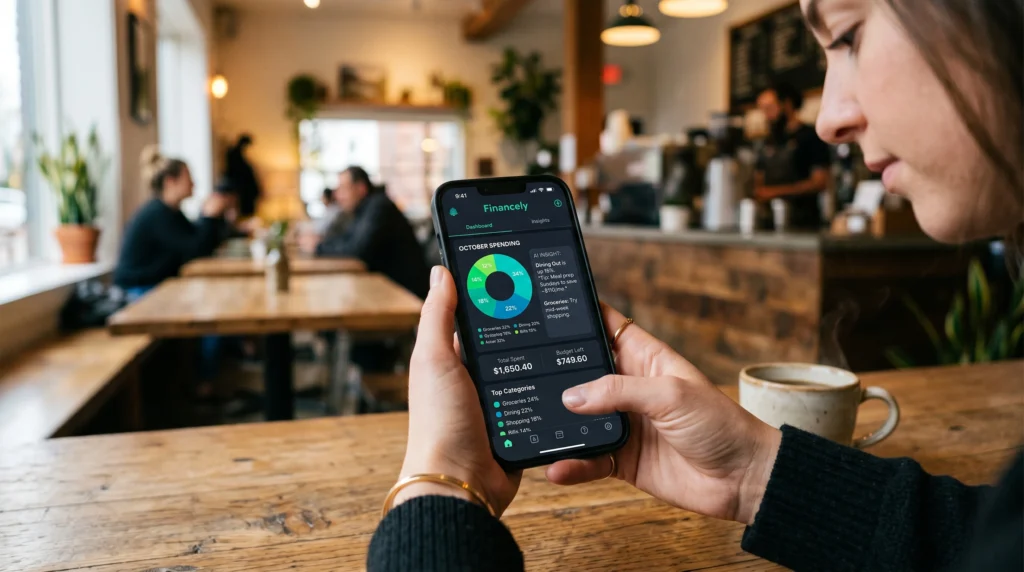
A practical 11-point selection checklist
1. Define the exact use case
Personal budgeting, household planning, freelance receipts, employee reimbursements, subscription review, and telecom expense management require different products. Do not pay for an all-in-one financial platform when a spreadsheet or receipt scanner solves the actual problem.
2. Confirm country and institution coverage
Check whether the service supports your country, currency, bank, card, digital wallet, and account type. “Connects to thousands of institutions” does not prove it works with yours or that every transaction field will import correctly.
3. Map the permission path
The CFPB explains that using a budgeting service can involve giving another company permission to access and analyze bank and credit-card data. Identify whether the connection is an institution-hosted authorization, credential-based access, manual import, or direct entry. Determine exactly what the service can read and whether it can initiate an action.
4. Read the data-use and deletion terms
Check which data is collected, why it is used, whether it trains models, which third parties receive it, where it is stored, how long it is retained, and how to revoke access and request deletion. “Encrypted” does not answer those questions.
5. Test categorization accuracy
Use a representative month containing salary or variable income, transfers, refunds, cash withdrawals, subscriptions, groceries, business costs, fees, and split purchases. Count incorrect, duplicate, and missing transactions instead of judging the dashboard by appearance.
6. Inspect correction behavior
Correct a merchant category and see whether the rule applies to future transactions without rewriting unrelated entries. A useful tool should expose its rule, allow an override, and preserve an audit history.
7. Calculate total annual cost
Include the subscription, per-user fee, bill-negotiation share, payment-processing or transfer charge, premium support, currency conversion, and the price after a trial. Compare that cost with the value of errors found or time saved. Do not count an identified expense as “savings” unless it was actually reduced without creating another cost.
8. Separate personal and business records
Freelancers and small businesses may need receipt retention, project or client tags, approval workflows, mileage records, accounting export, and role permissions. A personal budget app is not automatically suitable for tax substantiation or employee reimbursements.
9. Review automation controls
Before allowing a transfer, bill negotiation, or cancellation, verify limits, confirmation steps, notification timing, pause controls, dispute handling, and reversal options. Begin with alerts or draft actions rather than full automation.
10. Verify where any cash is held
If the app includes a cash account or “savings pocket,” identify the legal institution holding the funds. The FDIC advises consumers to understand the relationship between a nonbank app and its partner bank. Deposit insurance applies to qualifying deposits at an insured bank, not to an app merely because it mentions a banking partner.
11. Test the exit
Export the transactions and categories, locate the cancellation control, learn how to revoke the connection at the financial institution, and find the data-deletion process. Do this before the tool becomes the only usable copy of your records.
A repeatable 30-day accuracy test
| Stage | Test | Metric |
|---|---|---|
| Baseline | Manually reconcile one prior month | Total transactions and known recurring charges |
| Import | Connect or upload the same period | Missing and duplicate transactions |
| Categories | Compare every category | Incorrect categories ÷ total transactions |
| Corrections | Create rules and review new entries | Repeated errors after correction |
| Forecast | Record the predicted ending balance | Difference from actual ending balance |
| Value | Record actions actually completed | Verified benefit minus annualized cost |
Keep automation disabled during the test. A month with irregular income or annual bills may need a longer evaluation. The result describes performance on your data, not every household or future month.
A privacy-first alternative with no account connection
Users who do not want to link accounts can export a CSV from their financial institution, remove account identifiers, and review it locally in a spreadsheet. Use columns for date, merchant, amount, category, fixed or variable, essential or discretionary, recurring, and review note. Keep the original statement for reconciliation.
A general AI chatbot should not receive raw statements containing names, addresses, account numbers, or other sensitive data. If AI assistance is used, provide a small redacted sample and review the service’s privacy and retention settings first.

Two free prompts for expense review
Use invented or redacted information. Never include credentials, security codes, complete account numbers, or government identifiers.
Prompt 1: category quality audit
Review the redacted transaction sample below. Return a table with date, merchant, amount, proposed category, fixed or variable, recurring status, confidence, and reason. Mark transfers, refunds, and ambiguous merchants for manual review. Do not infer income, debt, or personal circumstances that are not stated.
Prompt 2: app terms review
Using only the pricing, permissions, privacy, cancellation, and deletion text below, create a table with each fee, data type collected, action authority, third-party sharing, retention rule, exit step, and unresolved question. Write “not stated” rather than guessing. Do not conclude that the product is safe solely because it mentions encryption or a bank partner.
Limitations and red flags
- No app can guarantee savings or prevent overspending.
- Automated categories and forecasts may be incomplete or wrong.
- Free products may monetize through referrals, cross-selling, data use, or later paid tiers.
- Do not share passwords or security codes with a person claiming to be app support.
- Do not move money based only on an alert, forecast, or chatbot answer.
- Check local tax, consumer, and financial rules for your country.
Methodology and sources
Realaiva reviewed the live article and removed untested rankings, stale prices, unsupported savings claims, and automatic-transfer recommendations. This guide was fact-checked on August 10, 2026 using the CFPB’s consumer guidance on sharing financial data, the FDIC’s guide to banking with third-party apps, and the FTC’s online privacy and security resources. Product availability, prices, policies, and connections can change.
Frequently asked questions
Do AI expense trackers save money?
They may identify information that helps a user change spending or cancel a service, but identifying an expense is not the same as saving money. Measure completed changes after fees and unintended costs.
Is a bank connection required?
No. Some tools support manual entry or file import. A redacted CSV and spreadsheet can be a reasonable option for users who prefer not to grant continuous account access.
Should an expense app move money automatically?
Only after the user understands the rule, limits, permissions, shortfall risk, alerts, and reversal process. Start with monitoring and manual approval.
Conclusion
Choose an AI expense tool by evidence: accurate imports, correctable categories, minimal permissions, transparent data use, complete cost, safe automation controls, and a workable exit. The goal is not the most colorful dashboard. It is a trustworthy record that supports decisions you still control.
Download the AI Ad Poster Prompt Pack
Want a faster way to create ad-poster concepts with AI? Get the prompt pack, adapt the instructions to your product or campaign, and review every generated claim, image, and brand detail before publishing.
About The Author







1 thought on “AI Expense Tracking Tools: Privacy, Accuracy and Cost Guide”