YouTube SEO in 2026: A Practical Ranking Checklist
YouTube SEO in 2026 is the practice of helping the right viewer understand and choose a video, then delivering a satisfying watch experience. Titles, thumbnails and descriptions matter, but keywords, tags or AI-generated metadata cannot guarantee ranking.
Content label: Practical checklist based primarily on YouTube’s official guidance, with one worked optimization example.
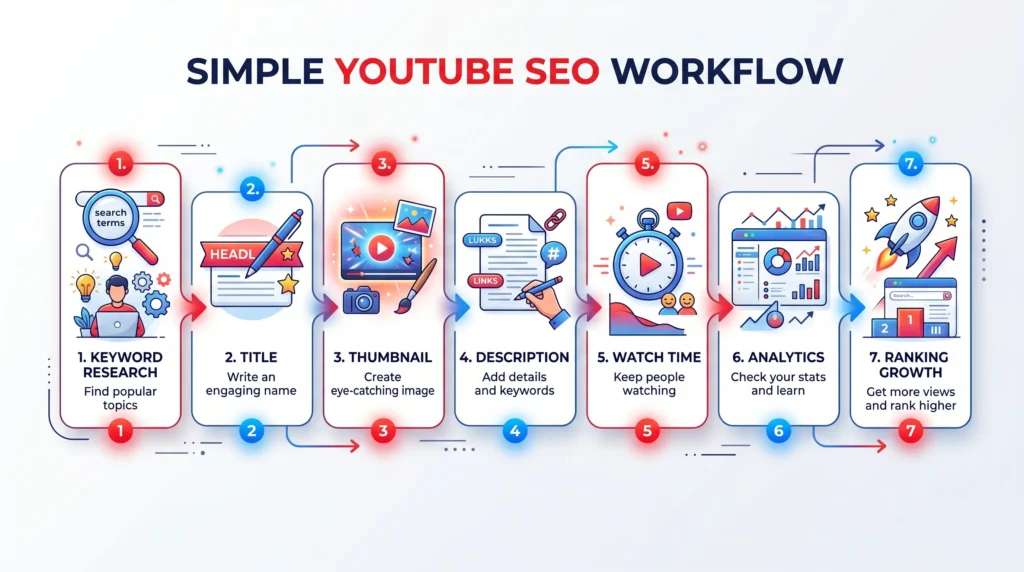
how to do YouTube SEO workflowHow YouTube discovery works in practical terms
YouTube says search and recommendation performance depends on relevance and viewer response. A creator controls the topic, packaging and video quality; the platform and audience determine distribution. YouTube also states that tags play a minimal role in discovery except for issues such as common misspellings.
YouTube SEO checklist
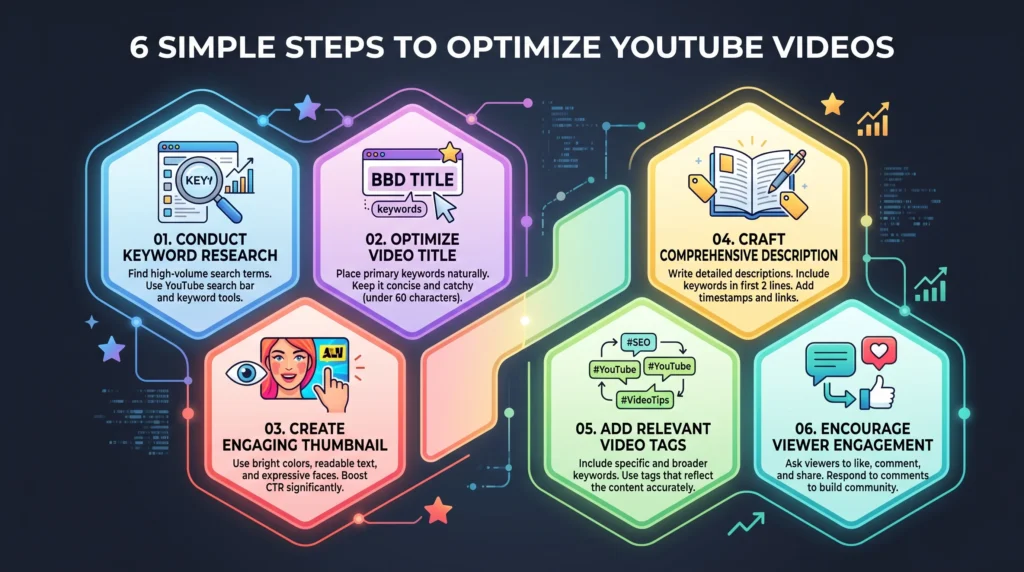
- Choose a viewer problem. Define who the video is for, what they want to achieve and what evidence the video will provide.
- Review demand without copying. Use YouTube search suggestions, audience questions, your analytics and competitor gaps. Do not assume a third-party keyword score equals guaranteed views.
- Plan the promise. Write one sentence describing what the viewer will know or do after watching.
- Script the opening. Confirm the topic quickly, show the payoff and remove long generic introductions.
- Create accurate packaging. The title and thumbnail should work together without repeating the same words or misrepresenting the video.
- Write a useful description. Summarize the video, add important resources and include disclosures. Avoid keyword blocks.
- Add chapters and captions. Accurate structure and transcripts improve usability and accessibility.
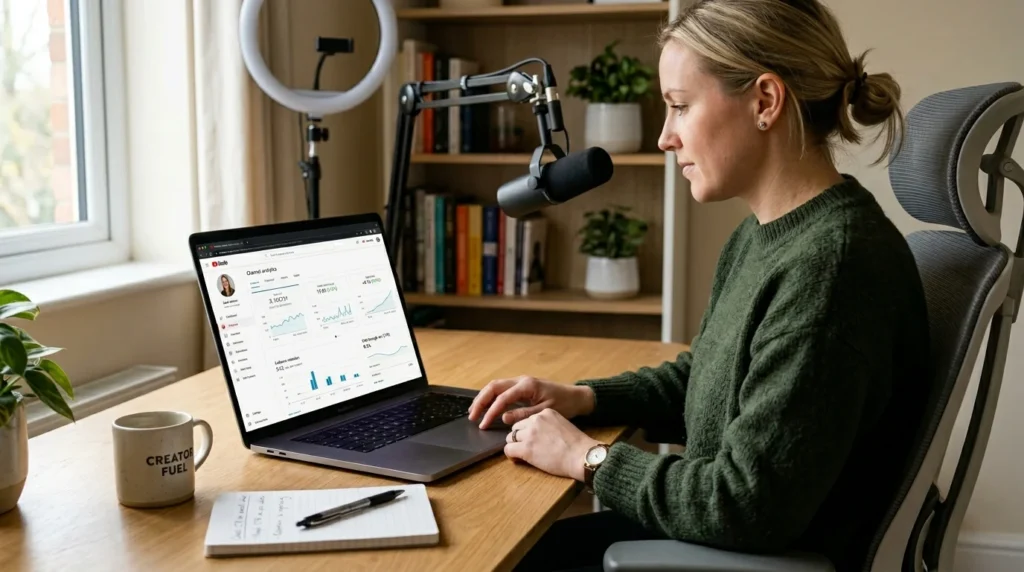
- Publish and measure. Review impressions, click-through rate in context, retention, traffic source and viewer satisfaction signals.
- Improve the content, not just metadata. If viewers leave at the same moment, examine that section before changing tags.
Worked optimization example
Weak idea: “Germany Study Update 2026.” It does not identify the applicant, decision or benefit.
| Element | Improved example | Reason |
|---|---|---|
| Viewer | International master’s applicant planning Summer 2027 | Defines intent |
| Title | Germany Summer 2027 Applications: When to Start | Clear topic and outcome |
| Thumbnail | “OPEN YET?” plus a simple calendar | Creates a complementary question |
| Opening | “There is no single opening date; here is how to verify each program.” | Delivers the key correction immediately |
| Evidence | Three official program pages shown on screen | Makes verification visible |
YouTube Studio analytics for YouTube SEOTitle and thumbnail rules
- Represent the actual video accurately.
- Put the distinguishing idea early; avoid unnecessary episode numbers at the front.
- Use readable contrast and a simple visual hierarchy.
- Avoid sensational wording, fake UI, irrelevant celebrities or outcomes the video does not deliver.
- Test a materially different concept, not tiny color changes only.
Description, chapters, tags and hashtags
Use the first lines to explain the video and audience. Add source links, disclosures and relevant resources. Chapters should match real sections. Tags are mainly useful for misspellings and variants; YouTube says they otherwise play a minimal discovery role. Hashtags should be relevant and limited rather than stuffed.
Measurement diagnosis
| Pattern | Possible question | Next action |
|---|---|---|
| Impressions but weak clicks | Is packaging clear and accurate? | Test a new title-thumbnail concept |
| Clicks but early drop | Did the opening fulfill the promise? | Shorten intro and show evidence sooner |
| Good retention but low reach | Is the topic too narrow or poorly matched? | Study traffic sources and adjacent audience needs |
| Search traffic only | Does the video satisfy returning viewers? | Build a related series and stronger next-video path |
What AI can and cannot do
AI can organize research questions, propose title angles, check chapter wording and summarize your own analytics. It cannot verify an official deadline without the source, predict a ranking, or replace editorial judgment. Keep a source log and review every generated claim.
Method, limitations and sources
Reviewed August 10, 2026. Sources: YouTube performance FAQ, YouTube tags guidance, and YouTube content-performance guidance.
- Features and rules can change; verify the exact plan, account and jurisdiction.
- Generated output can be fluent and wrong. Check primary sources.
- Realaiva did not run every paid product in a controlled lab test for this update.
Two free prompts
Prompt 1: “Ask me for the viewer, problem, evidence and desired next action. Produce five accurate title-thumbnail pairs, explain each promise, and reject any concept that the video cannot support.”
Prompt 2: “Audit this YouTube video plan for search intent, misleading packaging, weak opening, missing evidence, accessibility and measurement. Return a prioritized pre-publish checklist.”
A post-publication review schedule
At 48 hours, confirm there are no factual, copyright or caption problems and review traffic sources without overreacting to a small sample. At seven days, inspect impressions, click behavior and audience-retention moments. At 28 days, compare search terms, returning viewers and downstream actions. Document any title or thumbnail change with its date so the effect is not confused with the original version.
Practical questions before you act
How many keywords should be in a YouTube title?
There is no required number. Use a clear, natural title that accurately expresses the topic and benefit. Repeating variants can reduce clarity and will not guarantee discovery.
Do tags rank YouTube videos?
YouTube says tags play a minimal discovery role and are mainly useful for common misspellings. Prioritize the video, title, thumbnail, description, captions and viewer experience.
Should the thumbnail repeat the title?
Usually it is more useful for the two elements to complement each other. The title can state the topic while the thumbnail creates a clear visual question or consequence without misleading.
When should a title be changed?
Consider a change when impressions are meaningful but qualified viewers do not choose the video, or when the title is inaccurate. Keep a record and avoid constant changes based on tiny samples.
Can AI write the entire YouTube script?
It can help structure a script, but the creator must add verified facts, original examples, delivery and visual evidence. Fully generated scripts often sound generic and may contain false claims.
Download the AI Ad Poster Prompt Pack
Want ready-to-adapt prompts for AI ad-poster concepts? Get the free AI Prompt Pack on Gumroad. Review every generated claim, image, trademark and brand detail before publishing.
About The Author