Best AI Tools for Students in 2026: Safe, Useful Picks

The best AI tools for students help learners understand, practice, organize and receive feedback without outsourcing the thinking that a course is designed to assess. The correct tool depends on the assignment, school policy, privacy requirements, accessibility and budget.
Content label: Safe-use framework and category guide. This is not a claim that Realaiva tested every current student plan or that AI use is permitted in every course.

Start with the course policy
Before using AI, check the syllabus, assignment instructions and institution guidance. “AI allowed” may mean brainstorming only, grammar feedback, disclosed assistance or unrestricted use; those are different permissions. When uncertain, ask the instructor in writing and describe the exact task.
AI student-tool categories
| Learning job | Safe use | Risky use | Evidence to check |
|---|---|---|---|
| Explanations | Ask for two explanations and a practice question | Accepting an answer without textbook verification | Course materials and worked examples |
| Notes | Summarize your approved lecture transcript | Recording people without permission | Transcript, slides and consent policy |
| Research | Create search terms and a source table | Citing generated references without opening them | Library database and original paper |
| Writing feedback | Request clarity questions and rubric-based comments | Submitting a generated essay as your own | Assignment rules and revision history |
| Citations | Check formatting after locating a real source | Trusting invented DOI, author or quotation | Publisher page and source text |
| Presentations | Outline slides from your own research | Using unlicensed or inaccurate visuals | Image rights and cited evidence |
| Study planning | Break the syllabus into realistic sessions | Sharing private calendar or health data | Syllabus, deadlines and personal constraints |
A learning-preserving workflow
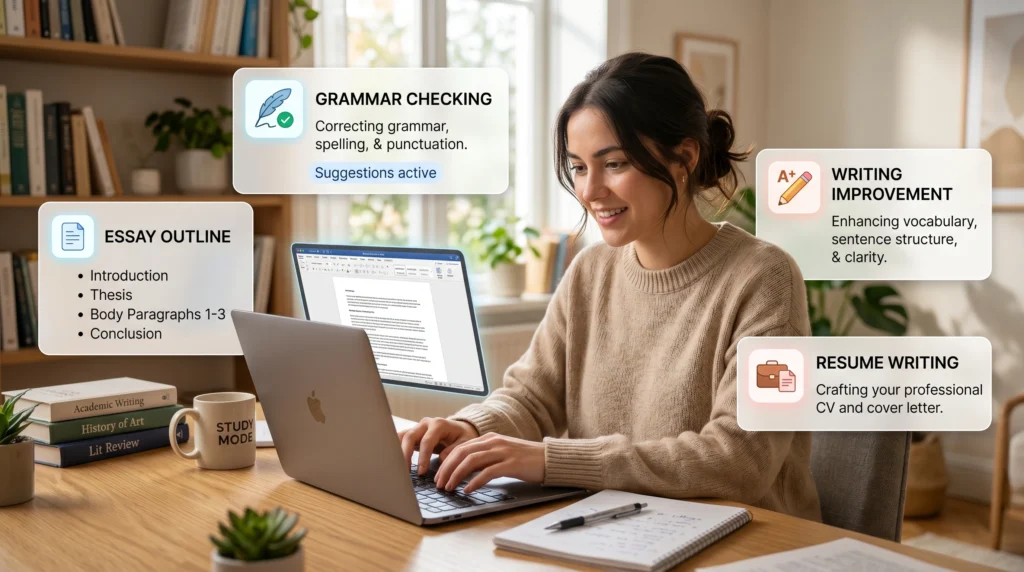
- Attempt the problem yourself and record where you are stuck.
- Ask the tool for a hint or diagnostic question, not the final answer.
- Explain the concept back in your own words.
- Solve a new problem without AI assistance.
- Verify facts and citations in course-approved sources.
- Disclose assistance when the institution requires it.
Research and citation verification
Never cite a source you have not opened. Confirm the author, title, year, journal or publisher, DOI/URL and the exact passage supporting your claim. A citation manager can format a record, but it cannot make an invented source real. Use the university library or scholarly databases for discovery.

Privacy and account checklist
- Do not upload student IDs, grades, health records, unpublished research or classmates’ work.
- Check age requirements, training controls, retention and deletion options.
- Remove names and identifiers from examples.
- For group work, obtain agreement before using transcripts or shared drafts.
- Use institution-provided accounts when required; their terms may differ from consumer plans.
Accessibility
AI may help simplify text, generate alt-text drafts, create practice in another language or convert notes into structured formats. A student should verify specialized terms, equations and image descriptions. Ask the disability or accessibility office about approved accommodations rather than replacing them with an unverified tool.
Budget-based starter stack
| Budget | Stack | Rule |
|---|---|---|
| $0 | Institution library, one free assistant, standard document tools | Use public examples; verify every source |
| Low paid | One assistant only if limits block real study | Measure weekly use before subscribing |
| Institutional | School-provided AI, library databases and accessibility tools | Follow admin and course policy |
Academic-integrity red flags
- The submitted argument or code cannot be explained by the student.
- Sources do not exist or do not support the claim.
- The output includes fabricated experiments, interviews or data.
- The tool completed the central assessed skill.
- Required disclosure or process evidence is missing.
Method, limitations and sources
Reviewed August 10, 2026. The safety approach reflects UNESCO guidance for generative AI in education and research. Institution and instructor rules control your assignment.
- Features and rules can change; verify the exact plan, account and jurisdiction.
- Generated output can be fluent and wrong. Check primary sources.
- Realaiva did not run every paid product in a controlled lab test for this update.
Two free prompts
Prompt 1: “Teach me this concept using questions. First ask what I already understand, then give one hint at a time, require me to explain the reasoning, and finish with a new practice problem. Do not write my assignment.”
Prompt 2: “Audit these notes for claims that need verification. Build a table with claim, source needed, search terms and verification status. Never invent a citation or quotation.”
Worked example: use AI without losing the learning
Suppose a student is solving a statistics problem. The student first writes the formula and attempts the calculation. The AI receives a similar public example, not the graded question, and asks diagnostic questions. The student then solves the original problem independently, checks the answer with course material and records how the tool was used if disclosure is required. This preserves practice of the assessed skill.
Practical questions before you act
Can a student cite ChatGPT or another chatbot?
Citation rules depend on the institution and style guide. Even when AI use is disclosed, factual claims should normally cite the original reliable source rather than treating generated text as evidence.
How can a student detect a fake citation?
Open the DOI or publisher page, confirm author, title, year and publication, then find the exact passage supporting the claim. If any element fails, do not cite it.
Is paraphrasing generated text academic misconduct?
It can be when the central work was generated or disclosure is required. Rewording does not make outsourced reasoning your own. Follow the assignment policy and demonstrate your process.
What is a safe use for language support?
Ask for explanations of grammar, vocabulary alternatives or feedback on a passage you wrote. Preserve your meaning and voice, verify specialized terms and disclose assistance when required.
Should students pay for an AI plan?
Only if an allowed recurring study task is limited by the free option and the value is clear. Institution-provided tools, library services and accessibility resources may be more appropriate.
Download the AI Ad Poster Prompt Pack
Want ready-to-adapt prompts for AI ad-poster concepts? Get the free AI Prompt Pack on Gumroad. Review every generated claim, image, trademark and brand detail before publishing.
About The Author